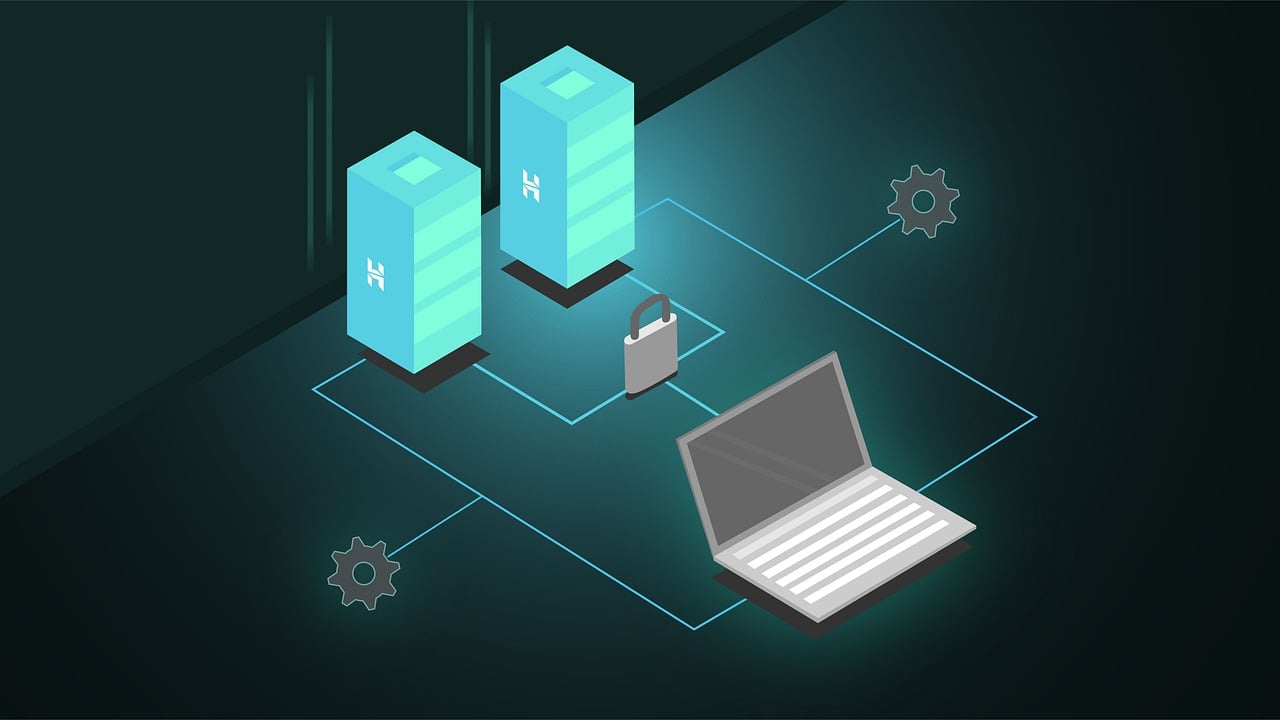

Web hosting is a service that stores your website’s files on a server and delivers them to anyone who types in your domain. You rent space on that server instead of buying and running your own hardware. Every live website on the internet, including this one, sits on some form of hosting.
Key takeaways
- Web hosting stores your site’s files and serves them to visitors around the clock.
- A domain name and web hosting work together, but they are not the same product.
- Getting online takes four steps: pick a plan, connect your domain, build your site, and turn on SSL.
- Porkbun offers six hosting products built for different kinds of sites, from simple link-in-bio pages to cloud hosting for WordPress.
What web hosting actually does
Type a domain into your browser and hit enter. That request travels to a server, and the server sends back your site’s pages, images, and code. The visitor sees your website load in a second or two.
You could buy your own server and run this process yourself. Most people skip that route because it costs a lot upfront and demands real technical know-how to keep secure and running. A hosting provider takes that job off your plate. It supplies the hardware, the power, the cooling, and the security, so you can focus on building your site instead of babysitting a server rack.
Hosting and your domain name aren’t the same thing
People mix these up constantly, so here’s the quick version.
Your domain name is the address people type to find you, like yoursite.com. Your hosting account is where your actual website files live. The domain points visitors to your host. Without hosting, your domain leads nowhere. Without a domain, visitors would need to memorize a string of numbers to reach your site. You need both, and they usually come from the same place for convenience.
Common types of hosting
Different sites need different amounts of horsepower.
Shared hosting puts many websites on one server and splits the resources among them. It costs the least and asks nothing of you technically, which makes it the natural starting point for blogs, portfolios, and small business sites.
WordPress hosting builds the server environment around WordPress specifically. Expect one click installs, automatic updates, and security tuned for how WordPress runs.
VPS hosting gives you a private slice of a bigger server, with your own dedicated resources. You get more power and more control, along with a higher price and a steeper learning curve.
Dedicated hosting puts your site on its own physical server, with nothing else sharing the space. It costs the most and suits sites with heavy traffic or sensitive data.
Cloud hosting spreads your site across a network of servers instead of one machine. It handles traffic spikes well and keeps your site up if a single server runs into trouble.
Most people start small and move up as traffic grows. You rarely get locked into one tier for good.
How to get your site online
The setup process looks roughly the same no matter which host you pick.
- Pick a plan sized for your actual site. A personal blog and an online store need very different amounts of storage and power.
- Connect your domain to your hosting account. Point the DNS records over, or register a new domain and let your host link them for you.
- Build your site. Install WordPress with a one click installer, upload files through FTP, or use a drag and drop builder.
- Turn on SSL. Most hosts include this for free, and it enables HTTPS, which visitors expect and search engines reward.
Once your site launches, keep an eye on backups, updates, and storage as it grows.
Porkbun’s hosting options
Porkbun builds each hosting product around a specific kind of site, so you pick the one that matches what you’re actually building instead of settling for a generic plan.
Shared cPanel Hosting gives you classic multi site hosting with a familiar cPanel interface, PHP, MySQL, and FTP access. Plans scale up to 100 GB of storage and support up to 50 websites.
Cloud for WordPress runs on WP Cloud, Automattic’s own infrastructure. It comes with an AI website builder, a built in CDN, and automatic backups.
Articulation is a drag and drop sitebuilder that skips the code entirely. It includes blogging tools and built in Stripe and Square integration for selling online.
Static Hosting suits simple HTML, CSS, and JS sites and connects directly to GitHub for deployments.
Easy PHP gives developers a managed space for custom PHP applications, with SFTP, SSH, and MySQL databases included.
Link In Bio hosts a single page of links right on your own domain, built for creators and social profiles.
Every plan ships with free SSL and unmetered bandwidth, and most include a free 15 day trial when you bundle them with a domain purchase.
Start simple and grow from there
Pick the plan that fits your site today. Connect your domain, switch on SSL, and get your content live. Upgrade only when your traffic or your feature list actually calls for it. Get these basics right and you’ll spend far less time troubleshooting and far more time building the thing you set out to make.